Type a set number or upload a photo. See it in bricks. Print it.
Look up the parts of a set you own, or turn a photo, scan or 3D file into a brick model you can print or build. Everything runs in your browser.
-
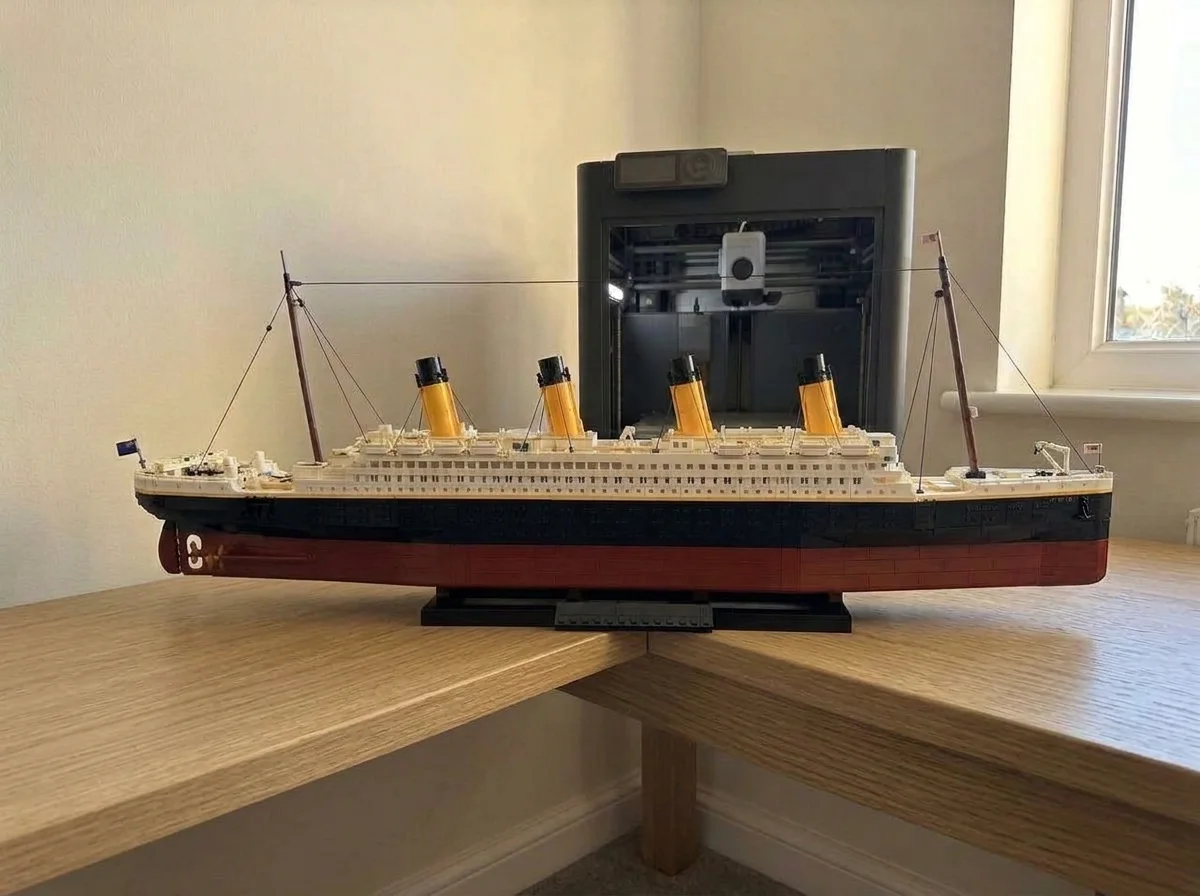
Enter a set number
Parts and print filesOwn a building set? Type its number (it is on the box) for the parts list and print files for missing or broken parts.
-
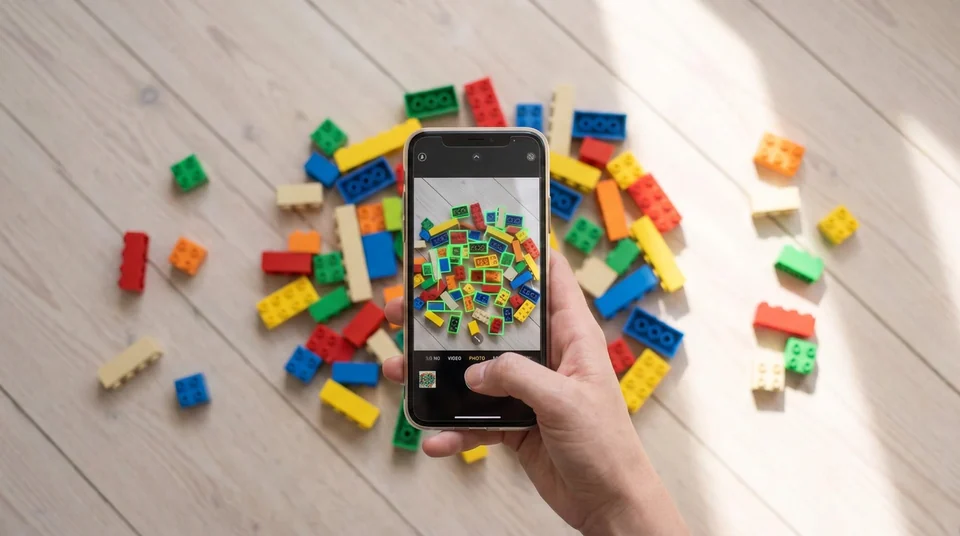
Scan your bricks
See what you can buildTake a photo of your loose bricks. See what you can build.
-
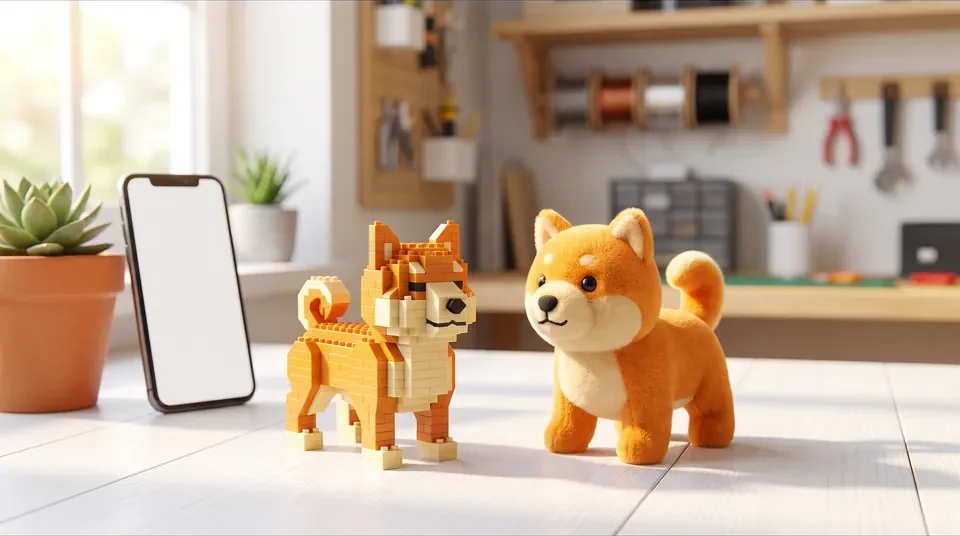
Make a model
From a photo, scan or 3D fileA photo, a phone scan or a 3D file becomes a model with a parts list and print files.
More tools
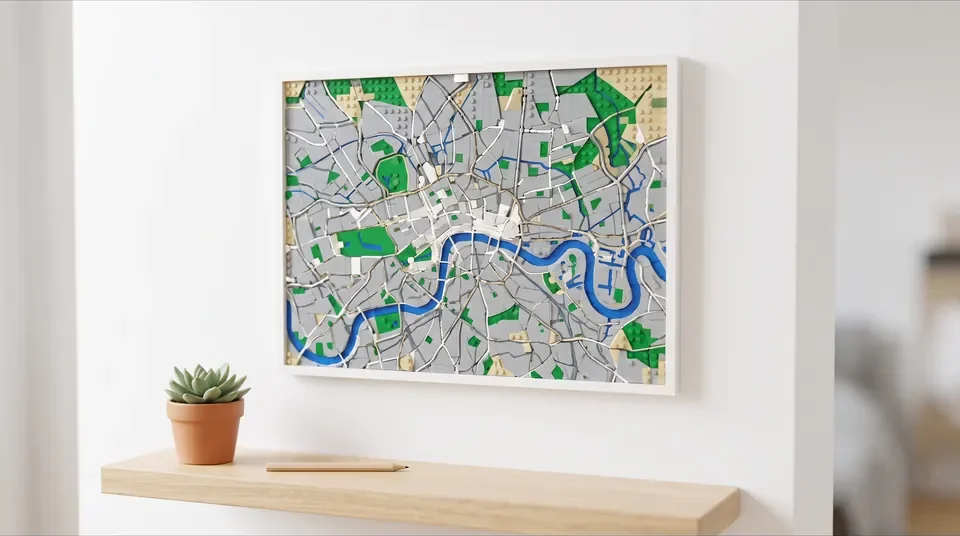
3D map
Any place as a 3D print: plain, in colour or in bricks, with a heart or an emoji.
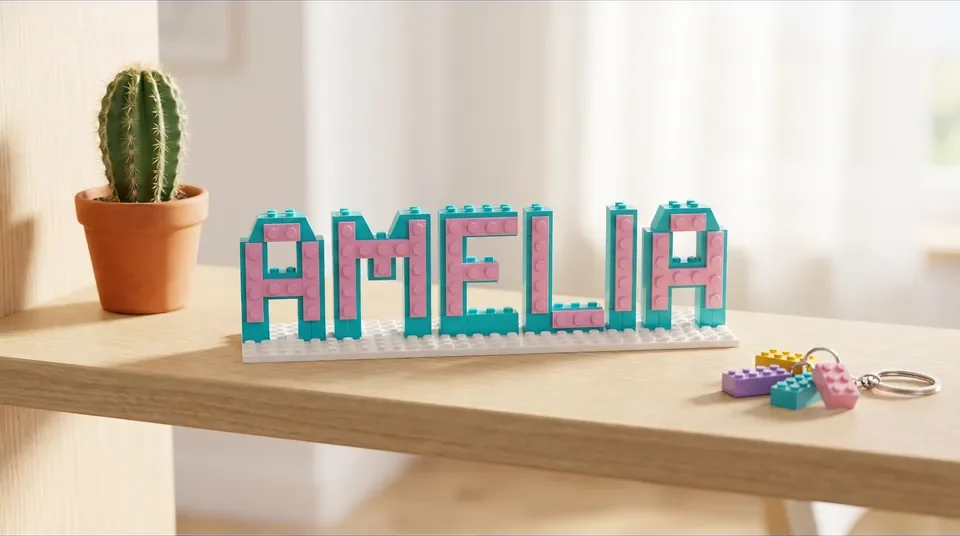
Name plate and key ring tag
A name in brick style. The one-colour STL is free.
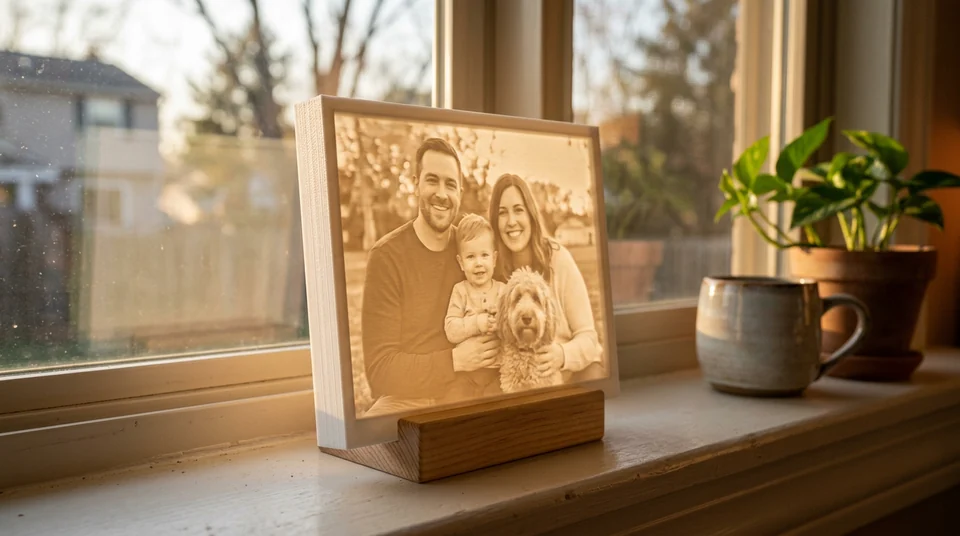
Lithophane maker
A photo that shows up when light shines through it.
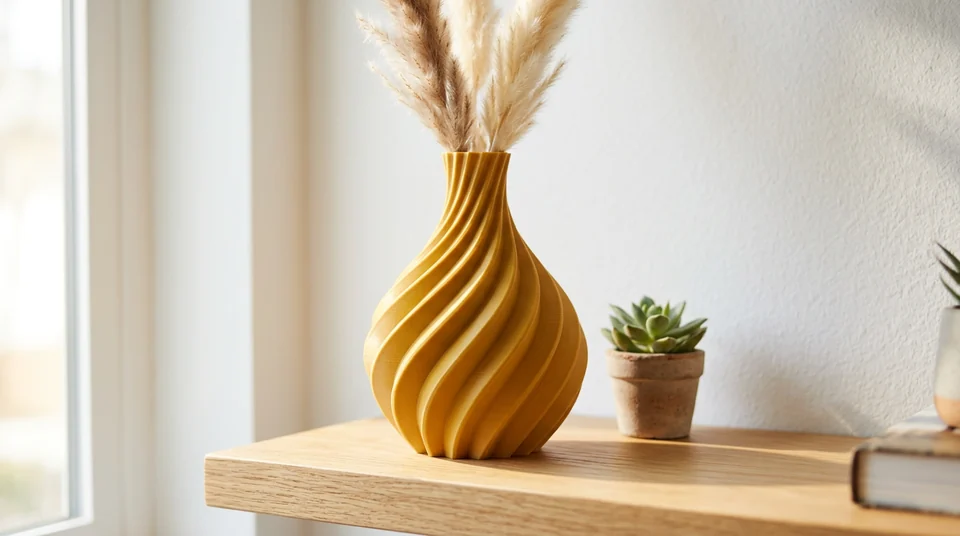
Vase maker
Shape a vase with twists and ribs, then print it.
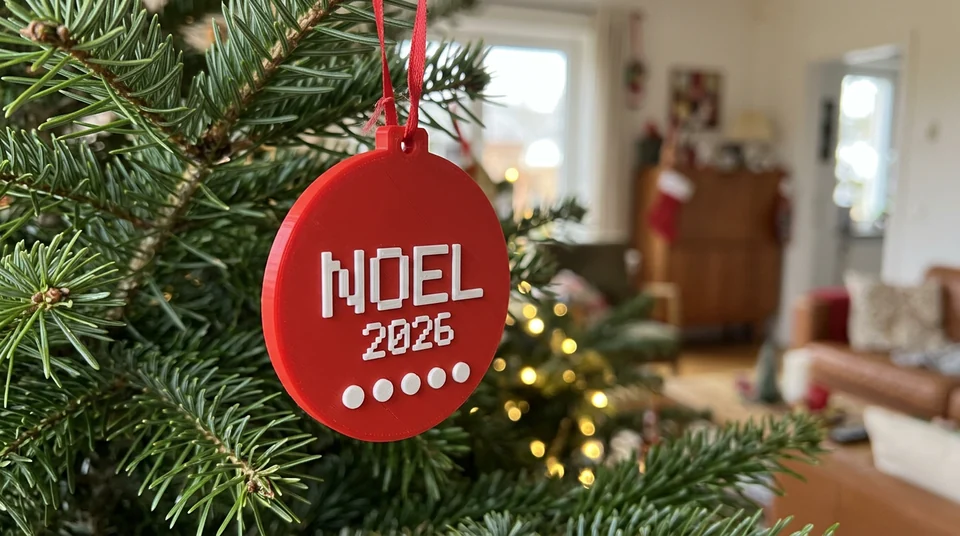
Christmas ornament
A brick-style bauble with a name on it.
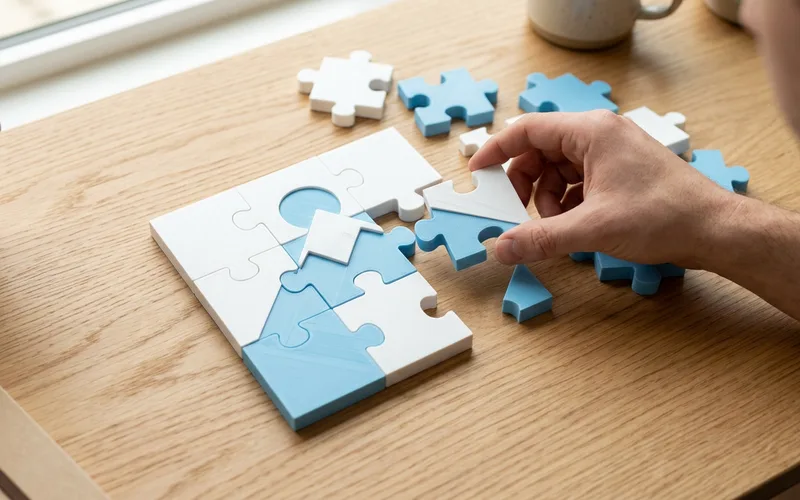
3D puzzle maker
A jigsaw from a photo or words.
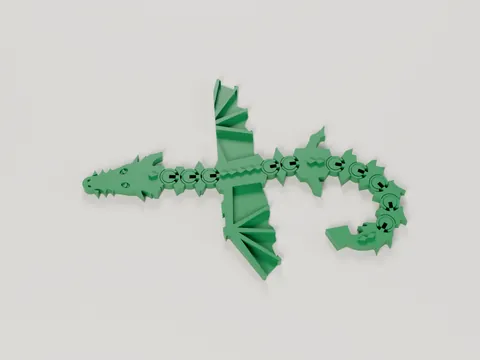
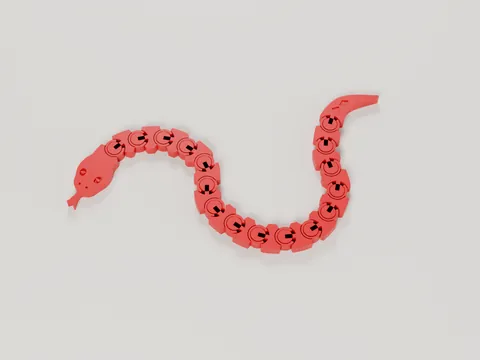
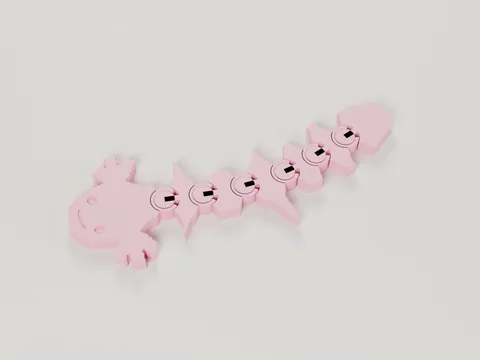
New · Prints That Sell
Print It. Sell It. Profit From It.
Discover popular 3D-printable products, explore new business opportunities and find your next bestseller.
- 59 free STL files you may sell
- Print cost and profit for each
- Profit calculator
Most tools need no account.
Scan, photo or 3D fileBrick modelPrint or build
Turn a photo, scan or 3D file into a brick model you can print or build.
3D tools that run in your browser. Scan an object with your phone, load a 3D file or pick a photo, and get a brick model with print files, a parts list and a shopping list for the bricks.
- Phone scanSpin an object in front of your camera
- 3D fileGLB, OBJ or STL, from any scanning app
- Photo mosaicA photo as a picture made of studs
- LithophaneA photo that shows when lit from behind
- Name plateA typed name as a brick sign or tag, free STL
- 3D mapAny place as a 3D print, with a heart or an emoji
- OrnamentA brick-style Christmas ornament
- Advent calendar24 printable brick-style boxes
Already own a building set with missing pieces? Get spare-parts help.

- Freeto try every maker: scan, 3D file, mosaic, lithophane, name plate, ornament, advent calendar
- 2,400+generic brick shapes with a free print file, for spares
- Freeto try. Pro is €29.99 a year, cancel any time
- 14 daysto ask us for a fix or a refund
What do you want to do?
I want to scan something
Spin it, or walk round it, in front of your phone camera. The photos stay on your phone.
Scan with my cameraI have a 3D file
GLB, glTF, OBJ or STL, for example from Polycam or Scaniverse. It stays on your device.
Choose a 3D file1 · Camera scan or 3D file
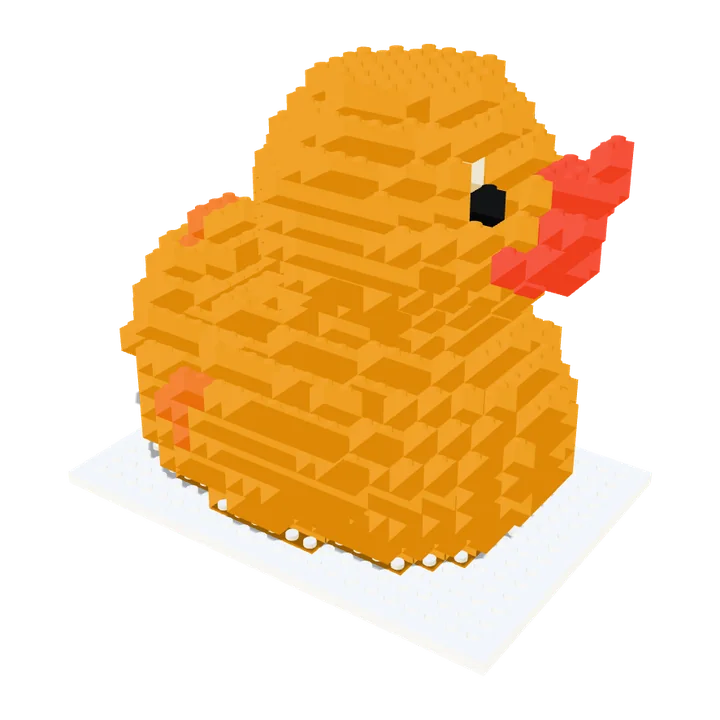
Scan an object, get a brick model
Scan something with your phone camera, or load a 3D file, and see it rebuilt in bricks. The photos stay on your phone.
- Free
- The 3D brick model, the brick count and the parts list on screen
- ProIncluded in Pro
- STL print files, the parts lists and a building manual. Buy Pro
2 · Real bricks
Buy the real bricks
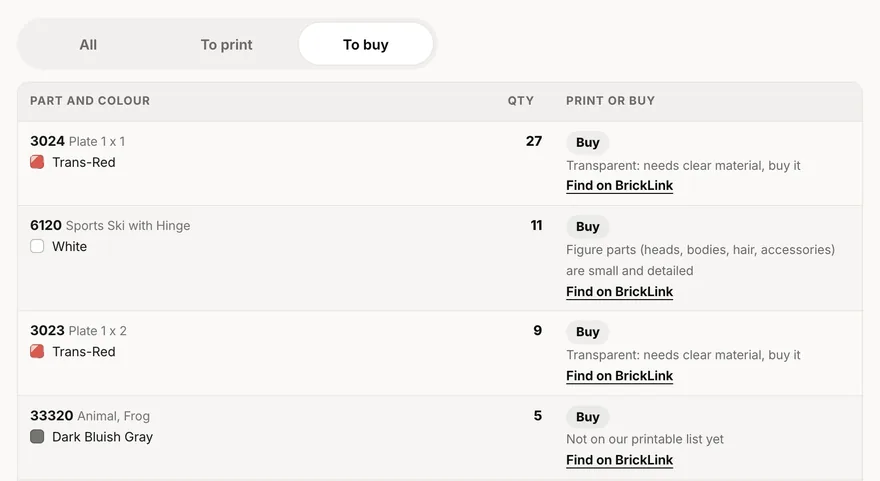
Every scanned model comes with a shopping list for BrickLink.com, a big online shop for single bricks. Download the list, upload it on BrickLink (Want, then Upload) and buy from the shops that have the parts.
- Free
- For a set you own: a shopping list of its specialist parts, and a BrickLink link for every part
- ProIncluded in Pro
- The shopping list, parts list and building manual for a scanned model. Buy Pro
3 · Spare parts for sets you own
Already own a building set? Get spares for missing pieces
Look up the parts list of a set you already have, and get print files for missing or broken generic parts: plain bricks, plates, tiles and beams a home printer can make. Specialist parts (clear, printed, rubber or electric) go on a shopping list instead.
- Free
- The parts list and a BrickLink shopping list for the parts to buy
- ProIncluded in Pro
- The print files: a file for each generic part, print-ready plates (3MF) and our printing guide. Buy Pro
Building instructions are not included: use the ones that came with your set.
Open the spare-parts tool
Make a model
Scan an object, load a 3D file or pick a sample. Everything up to the downloads is free.
1What do you want to make?
Pick one. You get a brick model you can 3D print or build with real bricks.
Turn something real into bricks
Make a gift or decoration
Problems printing?Send a photo of your print and say what went wrong. Our AI tells you the fix, free.2Adjust it
Drag to rotate · pinch to zoom
Nothing loaded yet
Choose an object aboveAdjust the model
Drops the bricks nobody can see: far fewer to buy or print one by one. Where one wall would leave parts loose it keeps a double wall, and a few extra bricks tie nearby loose parts on. The one-piece print file stays solid inside.
3Save the files
Three ways to use the same model. Saving the files is part of Brickalike Pro, and works for every model you make. Buy ProEvery download below is included in your Pro.
Print it in one piece
One 3D print file, printed in one go. Looks like bricks, but doesn’t come apart.
Print tips
The file is solid inside (even with Hollow inside on), so your slicer fills it with its own light infill: a sealed empty space in the middle could not be printed cleanly. The file has no colours, so it prints in whatever colour is in your printer. The colours on screen are for buying bricks. A multi-colour printer can paint it, but you pick the colours yourself in your slicer (the app that gets a file ready to print).
The STL has no colours. The multi-colour 3MF saves each brick colour as its own part, named for its colour (Red, Blue, …), in the same shape and size. Bambu Studio keeps the parts together and sets each to its own filament number (1, 2, 3 …), and its filament list already holds your colours in that order, so they show as soon as you open the file; you can still change any of them. The file opens set up for a P1S: pick your own printer in Bambu Studio if it is another one. That was checked by opening, saving and slicing the file with Bambu Studio's command line. That file is for Bambu Studio only; OrcaSlicer is built like it and probably works, but it was not checked. PrusaSlicer has its own button: the same model as one object with a part for each colour, named for it and set to its own extruder (1, 2, 3 …). That was checked with PrusaSlicer's command line (the parts, their names and extruders survive a save), not in its window. Use the button for your slicer. In the wrong one, the Bambu Studio file opens in PrusaSlicer as separate loose objects, one per colour, with no extruders set, and the PrusaSlicer file opens in Bambu Studio as one part with no colours (both checked). A slicer holds at most 16 filaments: with more colours than that, the rarest share the filament of the nearest colour, and the page tells you which.
Studs (the bumps on top) are only added where you can see them. The file is upright, flat on the print bed and in millimetres. Print at 0.2 mm layers. Stepped sides usually print without supports; big overhangs still need them.
Print the actual bricks
Every brick of your model as its own piece, laid out on print plates, one colour per plate. Print them, then click them together.
Bricks too loose or too tight? Print the free fit test (10 small plates, 1–5 dots), see which clicks best, then pick that fit here.
Fit 1 is our tested fit (on a Bambu P1S) and the loosest we offer; 2 to 5 grip tighter. Parts loose? Pick Fit 2 or 3.
Print the free fit test first: ten small plates marked with 1 to 5 dots, from our tested fit (1) to the tightest (5). Try each on a stud. Then set the fit above to the number of dots on the one that clicks on firmly and still pulls off by hand. Bricks grip on their walls, pegs and tubes, so a loose part usually means thin walls: raise the flow a little or pick a higher number.
Need filament? Find PLA on Amazon. We may earn a commission if you buy.
Buy the real bricks
Parts list plus a layer-by-layer building manual. No printer needed.
The price is a rough guess for used parts, without postage. BrickLink.com is a big online shop for single bricks; the colours in its list may be off, so check them before you pay. CSV files open in Excel, Numbers or Google Sheets.
More scans, rebuilt in bricks
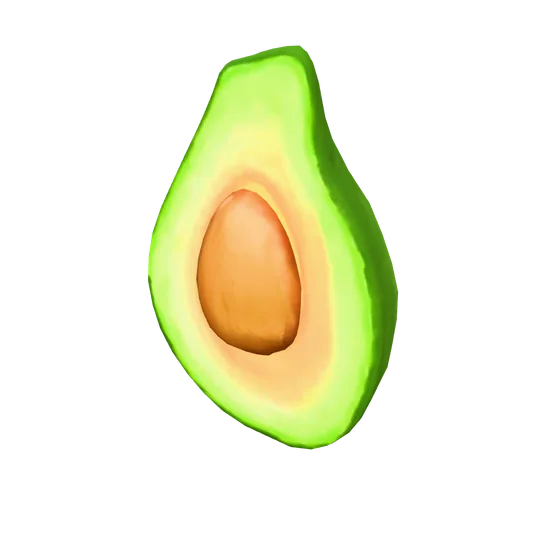
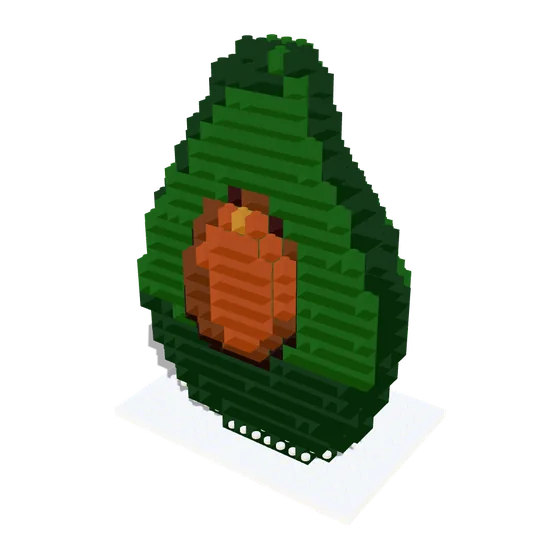
Avocado
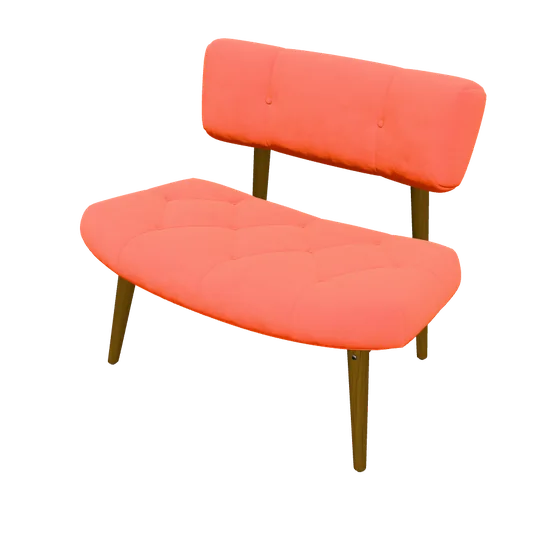
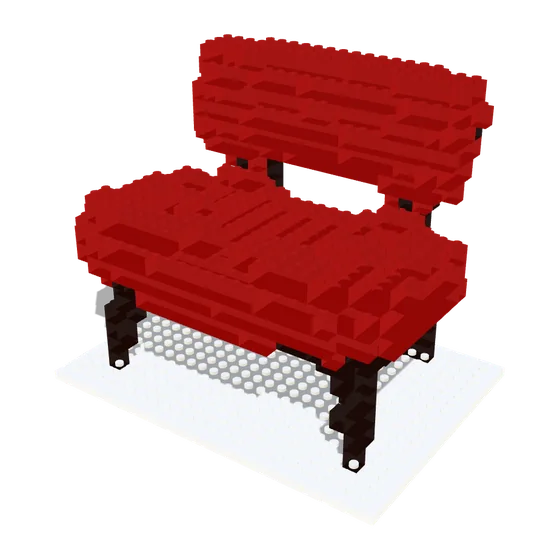
Chair
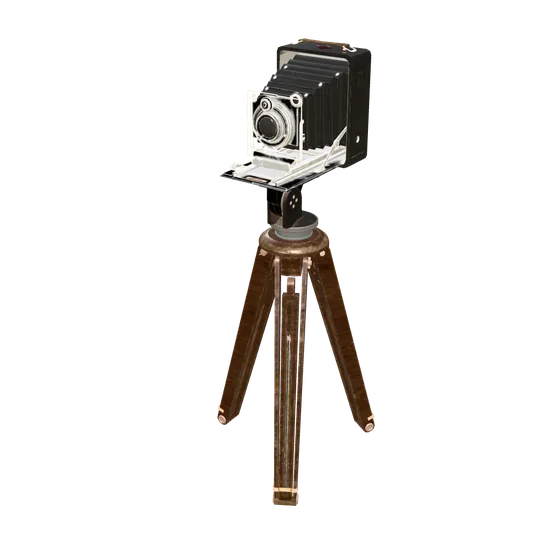
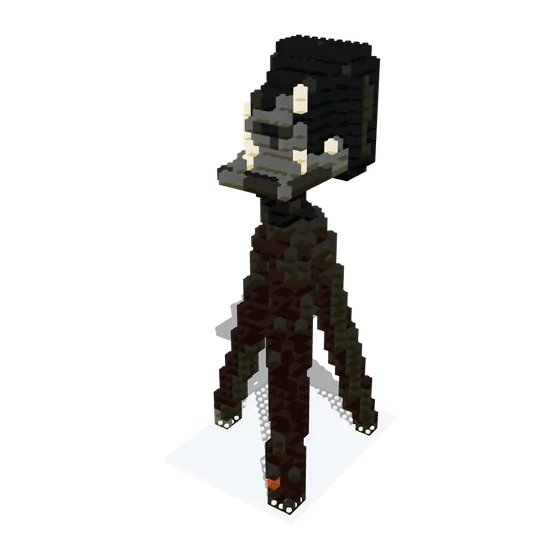
Antique camera
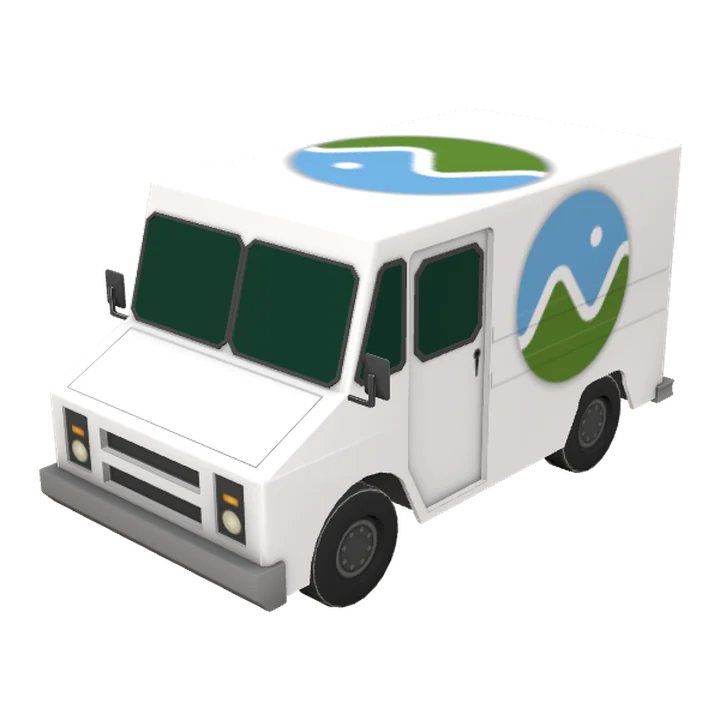
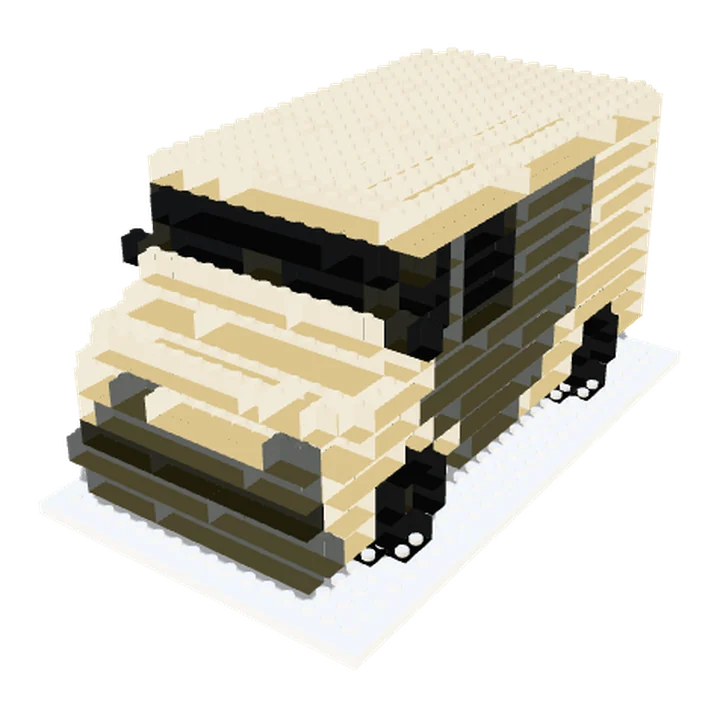
Truck
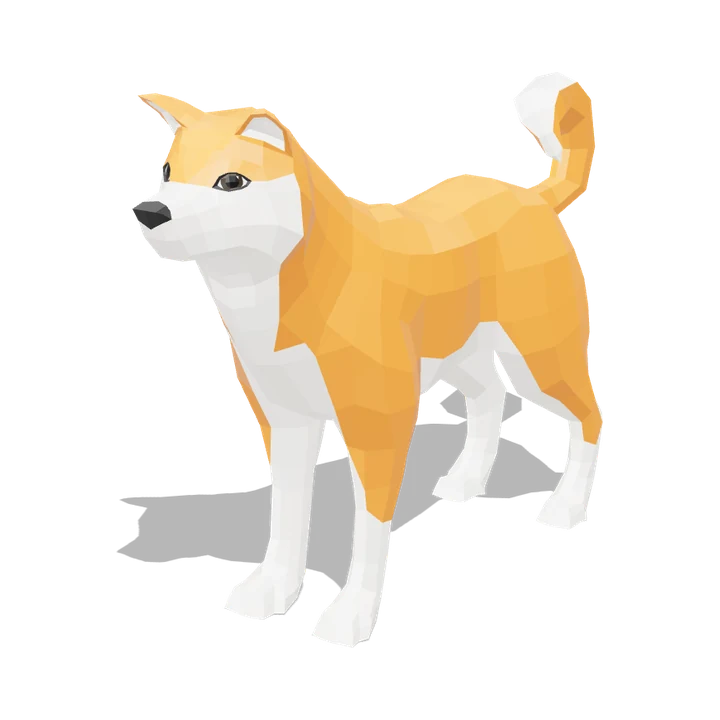
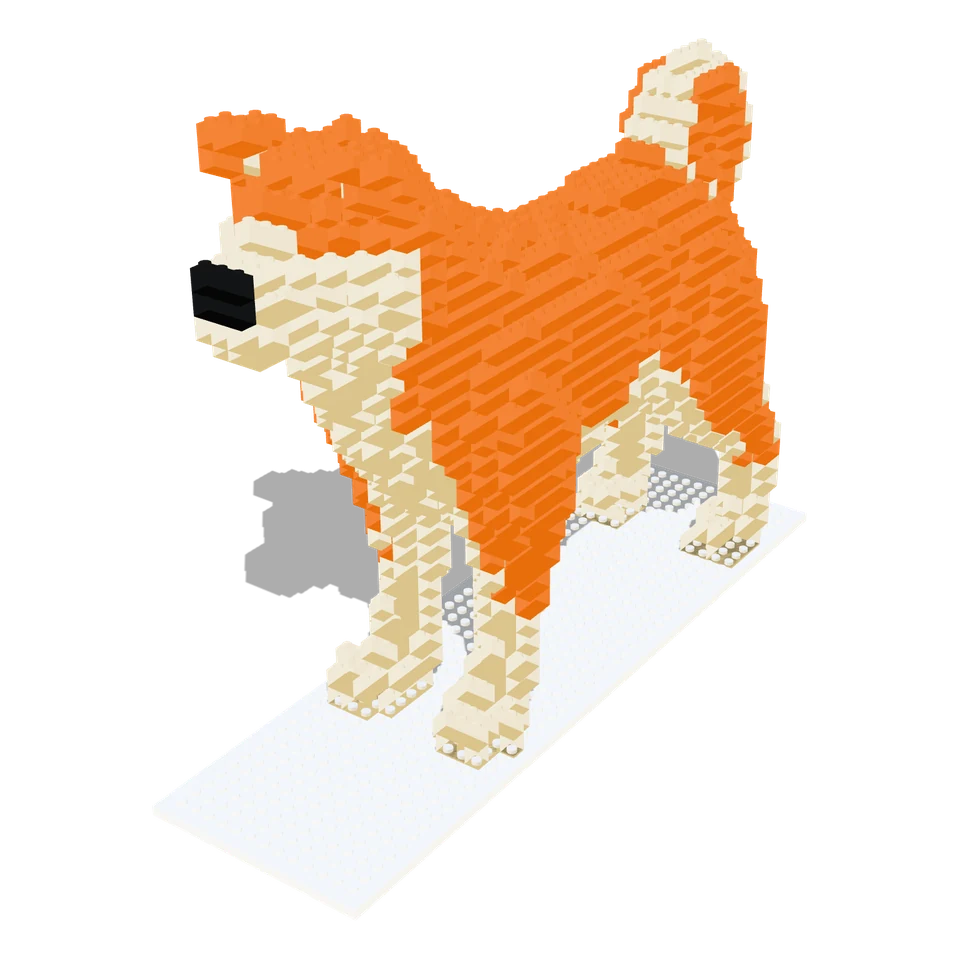
Shiba Inu
Brickalike Pro
€29.99 a year · cancel any time
Everything on this page is free to try. Pro is a yearly subscription, and adds the paid downloads in both tools.
Buy ProPro You have Brickalike Pro on this browser. Everything below is unlocked.
| What you get | Free | Pro |
|---|---|---|
| Set tool: every part, the parts list and a BrickLink shopping list | Yes | Yes |
| Set tool: an STL for each printable part (ZIP, sorted by colour) | — | Yes |
| Set tool: print-ready 3MF plates for a 256 mm bed or an A1 mini (180 mm), and our printing guide | — | Yes |
| Scan or 3D file: the brick model in 3D, the brick count, the parts list on screen | Yes | Yes |
| Scan or 3D file: STL print files, the brick kit, parts lists (CSV), BrickLink list, building manual (PDF) | — | Yes |
€29.99 a year, cancel any time. Up to 3 browsers at a time. Email us within 14 days for a fix or a refund. Secure checkout by our payment provider; VAT included where it applies.
- Everything is digital: nothing is posted to you.
- Printed parts don’t clip together like moulded ones. Print one and test the fit first.
- A set’s building instructions aren’t included: use the booklet from your box.
- Made in Ireland. Independent: not affiliated with any brick or toy maker.
Get occasional updates
New features and sets, no more than a couple of emails a month. We email you once to confirm, and every message has an unsubscribe link.
Questions
Do I need a 3D printer?
No. You can buy every part instead: each set and each scanned model comes with a shopping list for BrickLink.com. The STL files are for people who have a printer.
What is free, and what does Pro cost?
Scanning, previewing and the set parts lists are free. Pro is €29.99 a year for every set’s print files with print-ready plates and the printing guide, and the one-piece STL, parts list and building manual for your own scans. It is a subscription, €29.99 a year, and you can cancel any time. Most tools need no account; some free downloads (the set shopping lists, the brick tray and the videos) need a free, email-only account. Pro never needs one.
What is an STL file?
A 3D print file. You open it in a slicer (the app that gets a file ready for your printer, like Bambu Studio, OrcaSlicer or Cura) and print it from there.
Are my photos uploaded anywhere?
Not for camera scans. Your photos stay on your device and the model is built in your browser. The two exceptions are the optional "From one photo" route, which sends that single photo to an AI service, and "Describe it", which sends your sentence there. Brickalike sends them for you and keeps only a record of the job (not the photo).
Will printed parts fit real bricks?
They use standard stud spacing, but home printers vary: parts can come out a little loose or tight. Print one part first to check the fit. Resin printers get closest.
Is this an official brick-maker product?
No. Brickalike is independent and is not affiliated with, endorsed by or connected to any brick or toy manufacturer.
Are the printed bricks safe for children?
They are not toys. Printed bricks are small parts and a choking hazard: not for children under 3. They are not tested to toy safety standards and the plastic is not tested for mouth contact, so an adult should print and check every part. See the terms.