Turn almost anything into a brick model.
Start from a building-set number, an object you scan with your phone, or a 3D file. You get print files for the parts a home printer can make, and a shopping list for the rest.
What do you want to do?
I want to scan something
Spin it, or walk round it, in front of your phone camera. The photos stay on your phone.
Scan with my cameraI have a 3D file
GLB, glTF, OBJ or STL, for example from Polycam or Scaniverse. It stays on your device.
Choose a 3D file1 · Set number
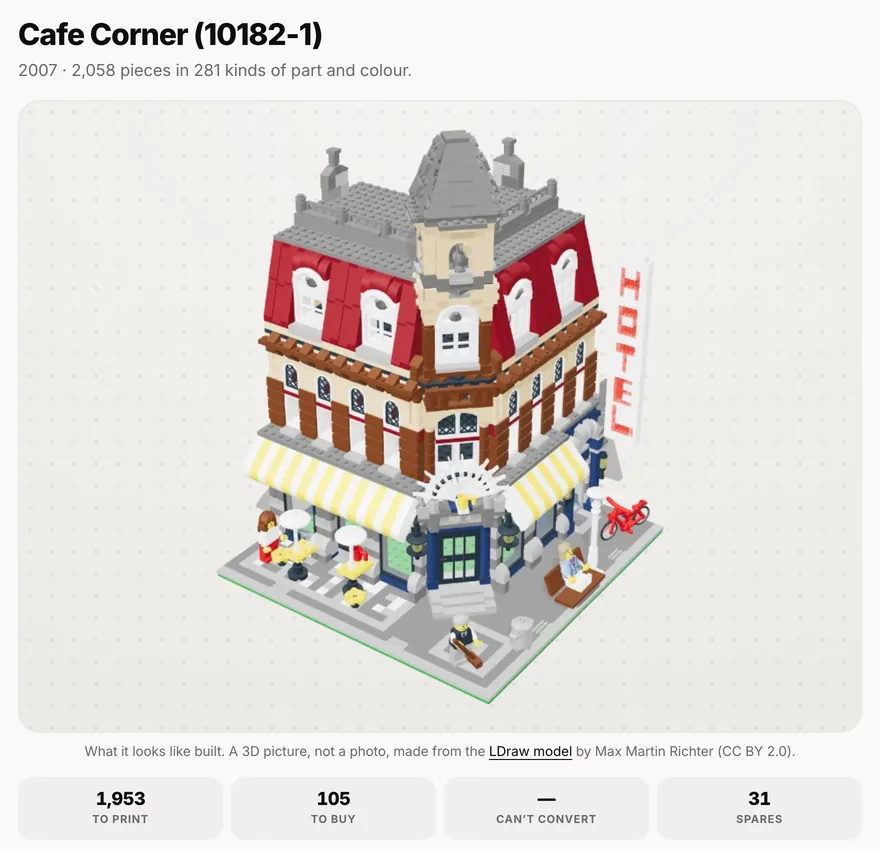
Parts and print files for any set
Type the number from the box. You get every part in the set, and an STL print file for each part a home printer can make.
- Free
- The parts list, an STL for every printable part, all of them in one ZIP sorted by colour
- ProIncluded in Pro
- Print-ready plates (3MF) and our printing guide. Buy Pro
2 · Camera scan
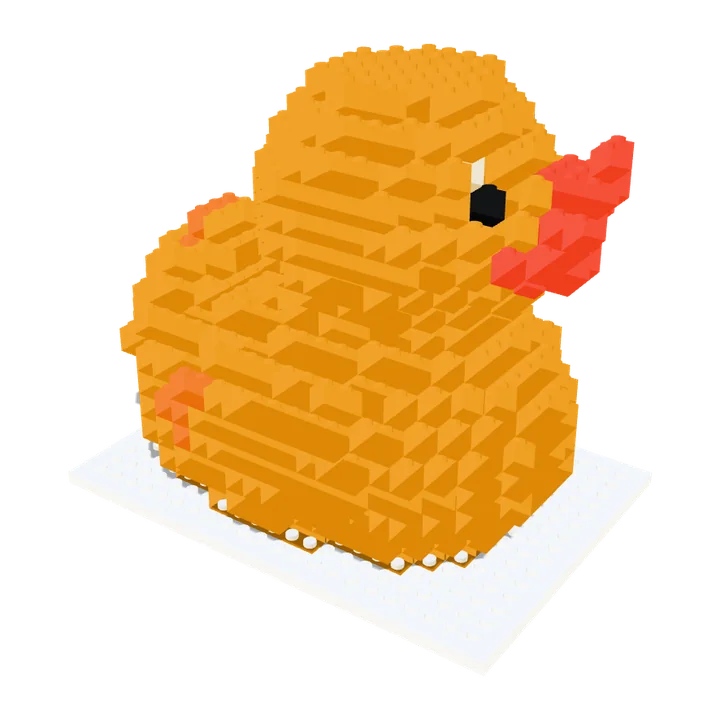
Scan an object, get a brick model
Scan something with your phone camera, or load a 3D file, and see it rebuilt in bricks. The photos stay on your phone.
- Free
- The 3D brick model, the brick count and the parts list on screen
- ProIncluded in Pro
- STL print files, the parts lists and a building manual. Buy Pro

3 · Real bricks
Buy the real bricks
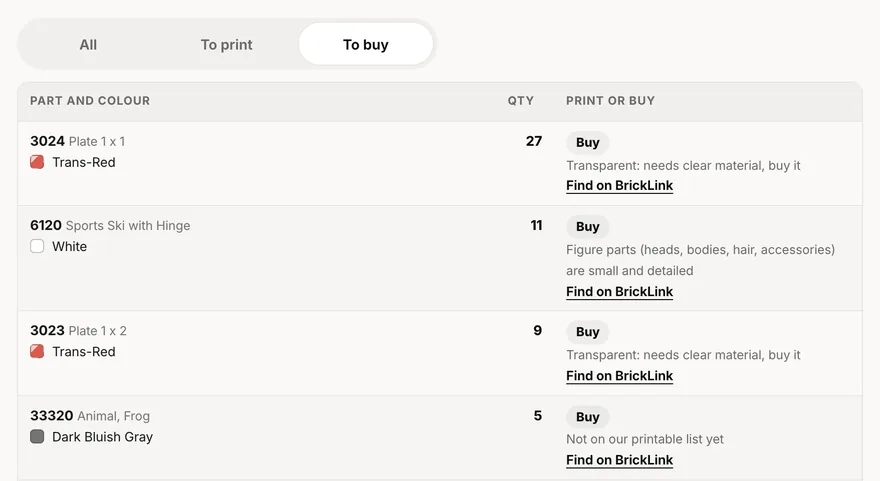
Every set and every scanned model comes with a shopping list for BrickLink.com, a big online shop for single bricks. Download the list, upload it on BrickLink (Want, then Upload) and buy from the shops that have the parts.
- Free
- The shopping list for any set number, and a BrickLink link for every part
- ProIncluded in Pro
- The shopping list, parts list and building manual for a scanned model. Buy Pro
Make a brick model
Scan an object, load a 3D file or pick a sample. Everything up to the downloads is free.
1Choose an object
2Adjust it
Drag to rotate · pinch to zoom
Nothing loaded yet
Choose an object aboveAdjust the model
—
Drops the bricks nobody can see. Much cheaper and faster.
3Save the files
Three ways to use the same model. Saving the files is part of Brickalike Pro, and works for every model you make. Buy ProEvery download below is included in your Pro.
Print it in one piece
One 3D print file, printed in one go. Looks like bricks, but doesn’t come apart.
Print tips
The file has no colours, so it prints in whatever colour is in your printer. The colours on screen are for buying bricks. A multi-colour printer can paint it, but you pick the colours yourself in your slicer (the app that gets a file ready to print).
The STL has no colours. The multi-colour 3MF saves each brick colour as its own coloured part, in the same shape and size, so a slicer that reads 3MF colours can print it in several filaments. It is new: not every slicer reads the colours, and then the STL is the one to use.
Studs (the bumps on top) are only added where you can see them. The file is upright, flat on the print bed and in millimetres. Print at 0.2 mm layers. Stepped sides usually print without supports; big overhangs still need them.
Print the actual bricks
Separate bricks that you print, then click together like real ones.
Print the free fit test first: ten small plates marked with 1 to 5 dots, from tightest to loosest. Try each on a stud. Then set the fit above to the number of dots on the one that clicks on firmly and still pulls off by hand. Bricks grip on their walls, pegs and tubes, so a loose fit usually means thin walls: raise the flow a little or pick a lower number.
Buy the real bricks
Parts list plus a layer-by-layer building manual. No printer needed.
The price is a rough guess for used parts, without postage. BrickLink.com is a big online shop for single bricks; the colours in its list may be off, so check them before you pay. CSV files open in Excel, Numbers or Google Sheets.
More scans, rebuilt in bricks


Avocado
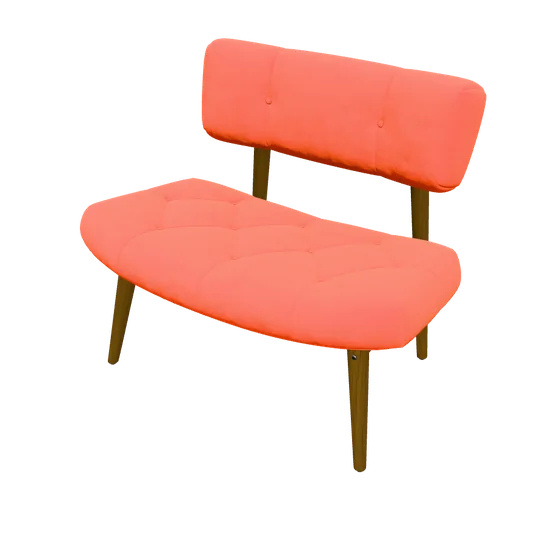
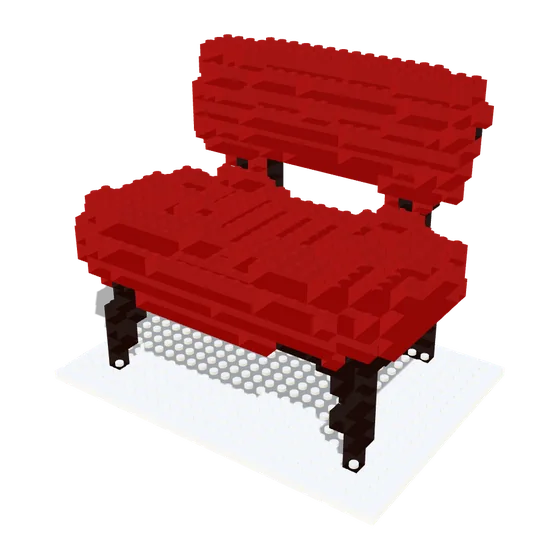
Chair
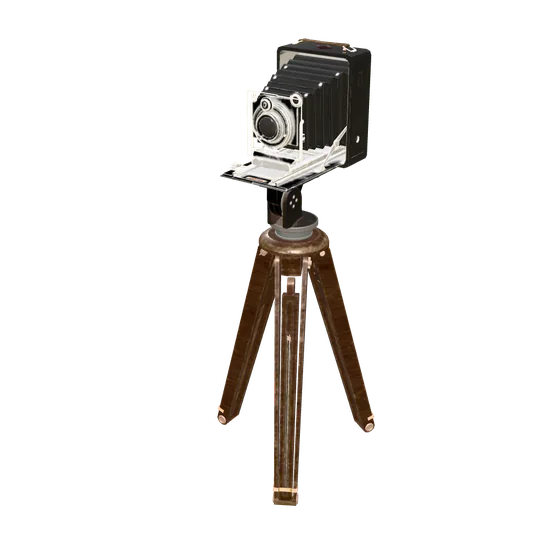
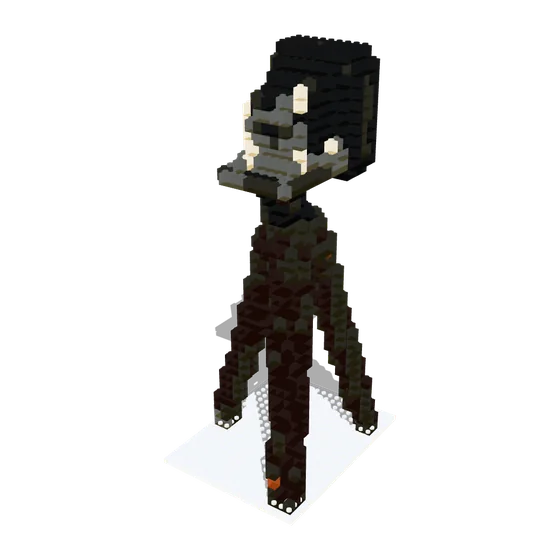
Antique camera
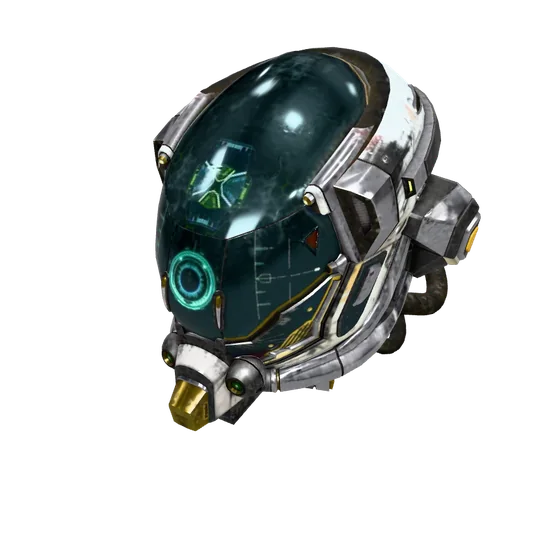
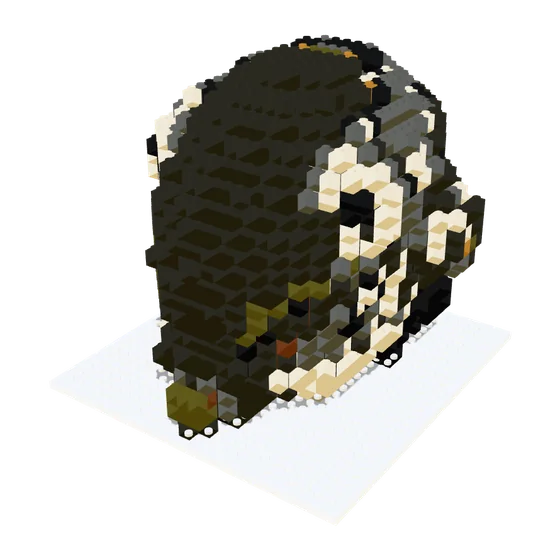
Helmet
Brickalike Pro
€11.99 once · no subscription
Launch price until 5 November, then €59.99Everything on this page is free to try. Pro is one payment, and adds the paid downloads in both tools.
Buy ProPro You have Brickalike Pro on this browser. Everything below is unlocked.
| Free | Pro | |
|---|---|---|
| Set tool: every part, an STL for each printable part (ZIP, sorted by colour), BrickLink shopping list | Yes | Yes |
| Set tool: print-ready 3MF plates for a 256 mm bed, and our printing guide | — | Yes |
| Scan or 3D file: the brick model in 3D, the brick count, the parts list on screen | Yes | Yes |
| Scan or 3D file: STL print files, the brick kit, parts lists (CSV), BrickLink list, building manual (PDF) | — | Yes |
One payment, no subscription. Up to 3 browsers at a time; the code doesn’t expire. Email us within 14 days for a fix or a refund. Secure checkout by Stripe; VAT included where it applies.
- Everything is digital: nothing is posted to you.
- Printed parts don’t clip together like moulded ones. Print one and test the fit first.
- A set’s building instructions aren’t included: use the booklet from your box.
- Made in Ireland. Independent: not affiliated with any brick or toy maker.
Questions
Do I need a 3D printer?
No. You can buy every part instead: each set and each scanned model comes with a shopping list for BrickLink.com. The STL files are for people who have a printer.
What is an STL file?
A 3D print file. You open it in a slicer (the app that gets a file ready for your printer, like Bambu Studio, OrcaSlicer or Cura) and print it from there.
Are my photos uploaded anywhere?
Not for camera scans. Your photos stay on your device and the model is built in your browser. The two exceptions are the optional "From one photo" route, which sends that single photo to an AI service (Tripo or Meshy) using your own free key, and "Describe it", which sends your sentence there. Both pass through a relay that does not store them.
Will printed parts fit real bricks?
They use standard stud spacing, but home printers vary: parts can come out a little loose or tight. Print one part first to check the fit. Resin printers get closest.
Is this an official brick-maker product?
No. Brickalike is independent and is not affiliated with, endorsed by or connected to any brick or toy manufacturer.