Free 3D puzzle maker
Make a puzzle to 3D print. A flat jigsaw with round tabs, your photo or a few words raised on top in a second colour, and a tray to keep it in. Or choose a 3D model and cut it into pieces that hold together with printed pegs.
Drag to turn, pinch or scroll to zoom.
Making the puzzle…
The ZIP has one STL per piece (and the tray), laid out flat with gaps so each bed's files open ready to print. The 3MF holds every piece with the picture as a second part, for two colours.
Drag to turn. The pieces are spread apart so you can see the pegs and sockets.
Every piece is a closed solid. The STLs keep their places, so they line up when opened together; the 3MF lays them out on the bed.
How it works
- Jigsaw:pick the rows, columns and size. Each "New shuffle" draws new tab directions and shapes; the shuffle number brings a puzzle back. The gap is the room between two pieces, so they slide together after printing.
- Picture:choose a photo and move the threshold until the preview looks right: the dark parts are raised 0.6 mm, ready for a second colour. Or type a few words instead.
- Tray and studs:the tray is the puzzle's size plus the same gap all round. Studs on the back turn each piece into a little brick plate; studs on the tray floor turn the empty tray into one.
- Model puzzle:choose a model and a number of pieces. It is cut on a grid, and each pair of pieces gets a solid peg on one side and a socket with a little room on the other.
Made with the 3D puzzle maker
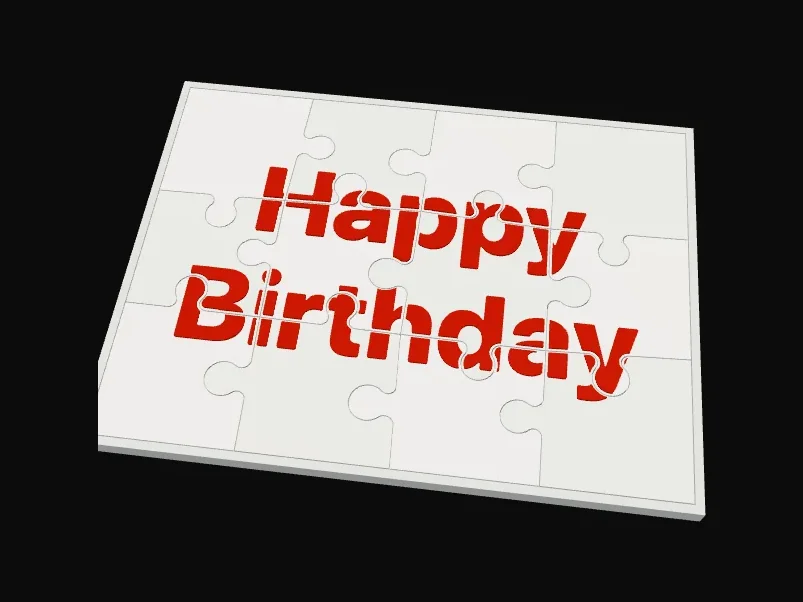
Words on topA 4 by 3 jigsaw with a few words raised in a second colour. 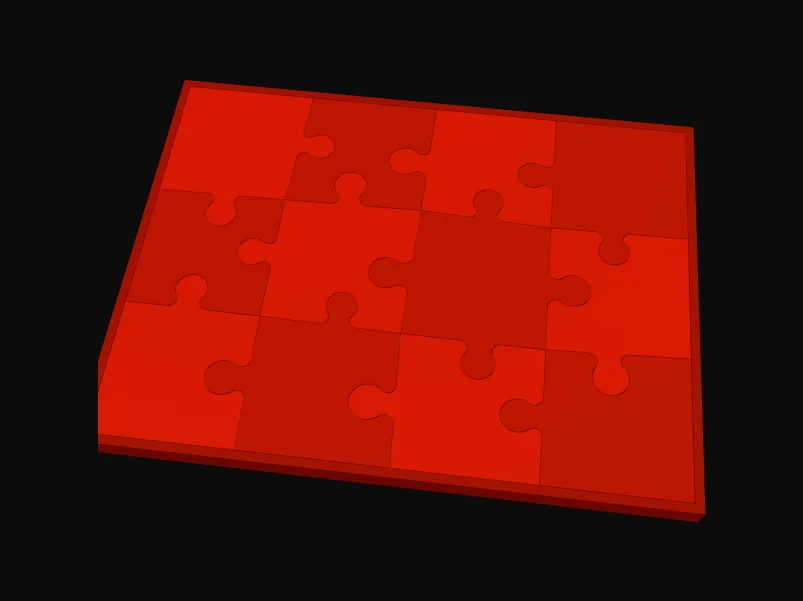
A tray with studsThe tray is the puzzle's size plus the same gap all round; studs on its floor turn it into a brick plate. 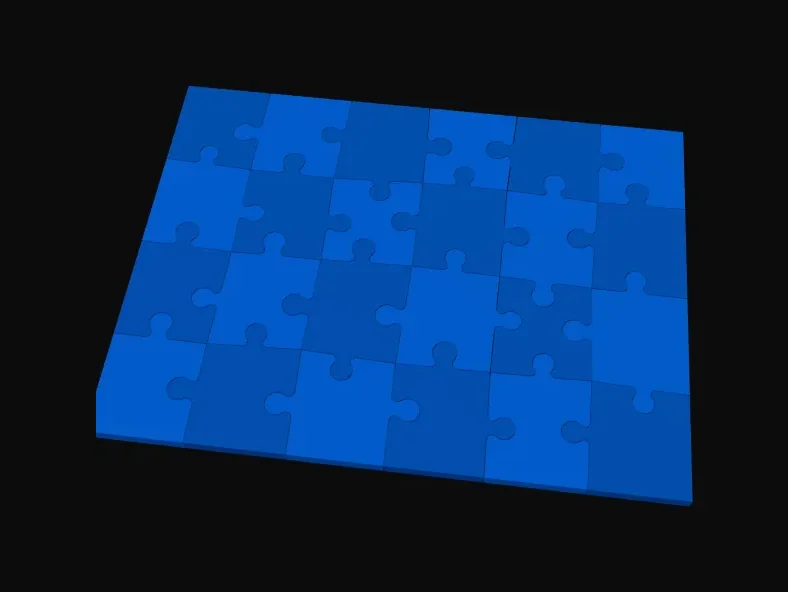
A plain jigsaw24 pieces with round tabs and a 0.25 mm gap.
Printing tips
- Print jigsaw pieces flat at 0.2 mm layers. Pieces with studs on the back lie face down, so the face comes out smooth.
- For the 2-colour picture, the colour change is one part per piece: no painting and no pausing.
- Model puzzle pieces print best with a big flat cut face on the bed and the pegs standing up.
Questions
Is it free? Do I need an account?
It is free and needs no account. The puzzle is made in your browser, and your photo or model never leaves your device.
How loose will the pieces be?
The gap is the space left between two pieces, all the way round each tab. 0.25 mm suits most printers with a 0.4 mm nozzle. If pieces are too tight, make a new set with 0.3 to 0.4 mm. If they fall apart, try 0.15 to 0.2 mm.
How do I print the picture in two colours?
Download the 3MF. Each piece has two parts: the piece and the picture. Give the picture its own filament in your slicer (Bambu Studio and OrcaSlicer pick this up from the file). With one colour, use the STLs: the picture is still raised, so it shows by touch and shadow.