
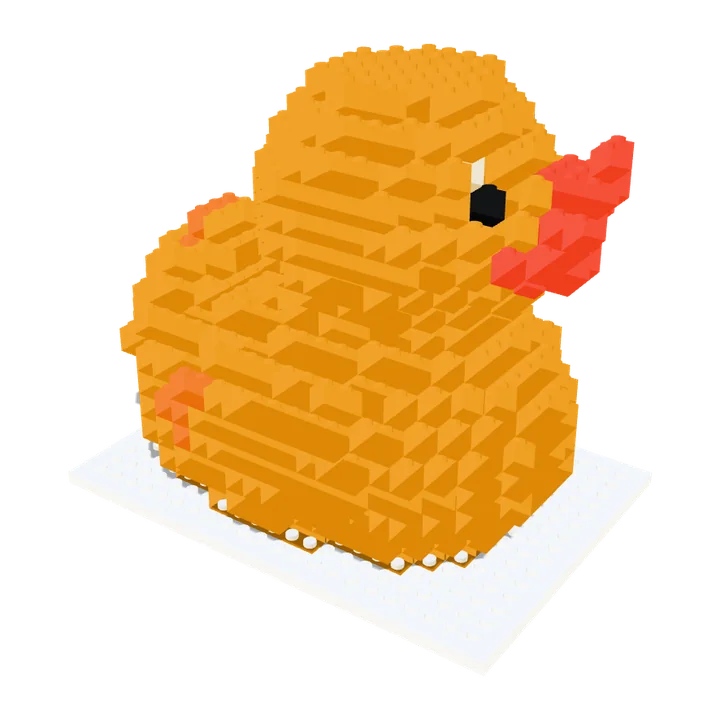
Duck
A rubber duck: round, one main colour, a good first try.
Open the duck and spin itReal objects, rebuilt in bricks by Brickalike. Each pair shows the 3D model on the left and the brick model on the right. Open any one to spin it, change the detail and see the exact brick count. Nothing here is mocked up: it is the same result you get from your own scan or 3D file.
A rubber duck: round, one main colour, a good first try.
Open the duck and spin it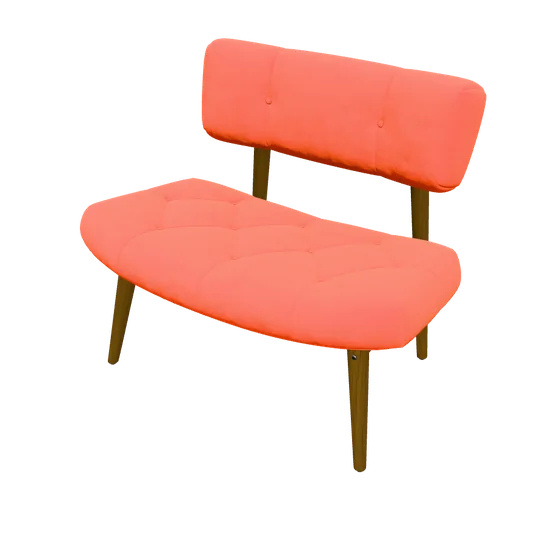
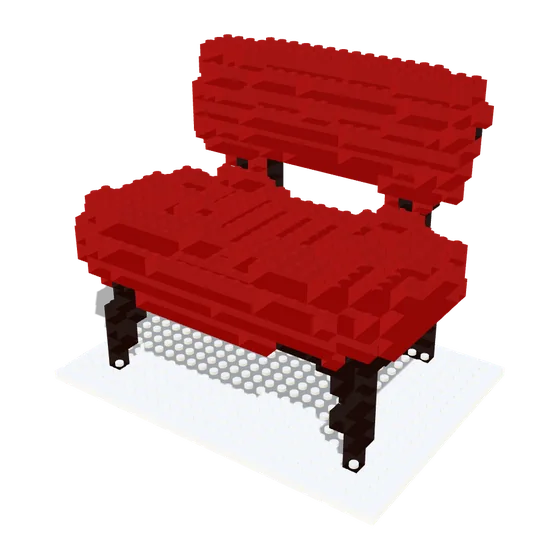
Thin legs and a seat: shows how bricks handle gaps.
Open the chair and spin it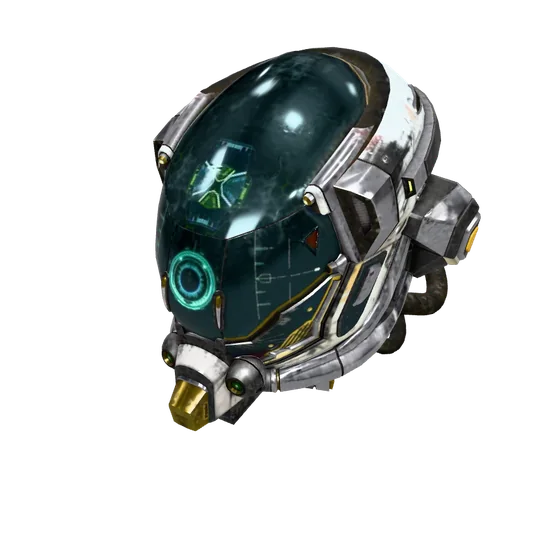
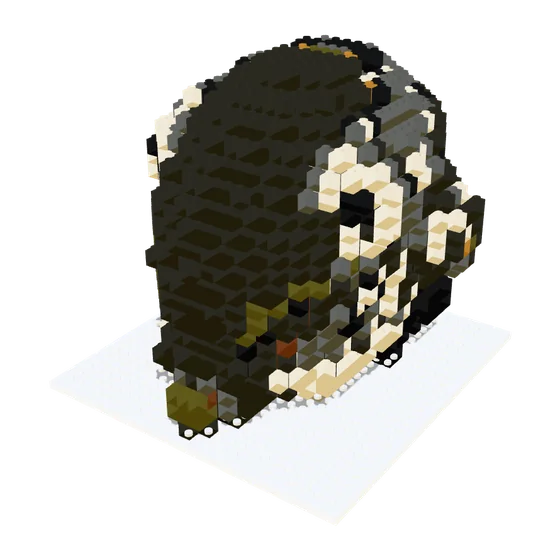
A dark, detailed shape, which bricks simplify a lot.
Open the helmet and spin it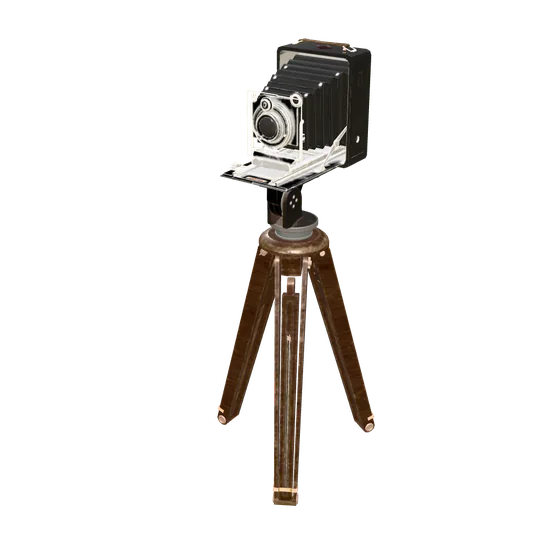
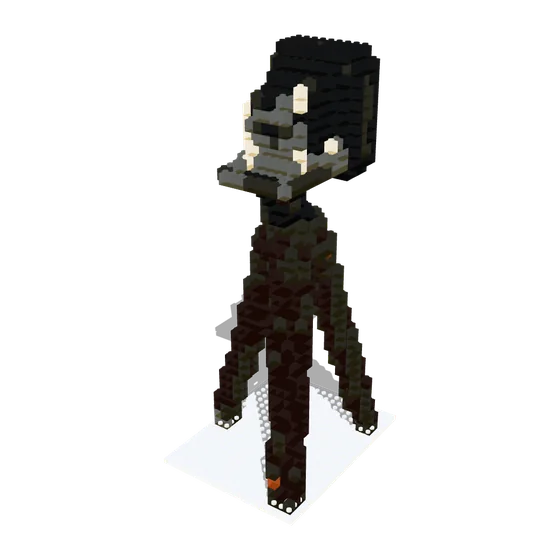
Tall and thin, with fine detail that gets blocky.
Open the camera and spin it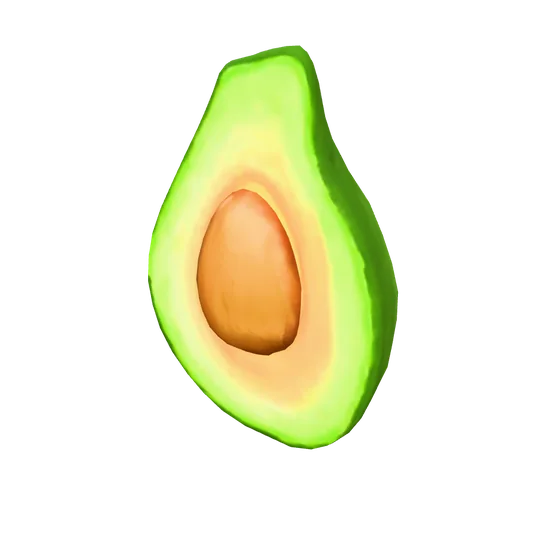
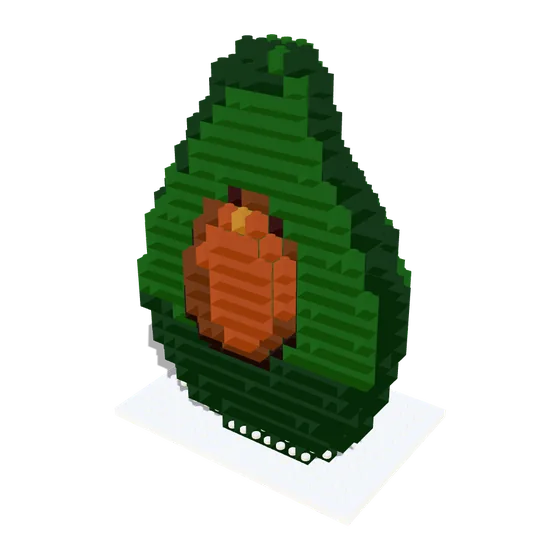
Two colours and a smooth curve: a good test of the colour matching.
Open the avocado and spin itA fox is a good test of a long, low shape with several colours. Open the fox and spin it. It has no picture here, but you can change its detail and see its brick count live, like the others.
Scanning, the 3D preview, the brick count and the parts list on screen are free. Saving the files (one-piece STL, multi-colour 3MF, brick kit, parts lists and building manual) is part of Brickalike Pro, a one-off €11.99 with secure checkout by Stripe. One Pro code works on up to 3 browsers at a time.
Pro Pro is active on this browser: every download is unlocked.
Build one freeThe models come from the Khronos glTF Sample Assets. The brick versions are made by Brickalike.