Free fidget clicker maker
Make a clicky desk toy or key ring to 3D print. You print the body and the keycaps, then push in real mechanical keyboard switches, the cheap MX-style kind sold everywhere.
Making the clicker…
Free, no account. The ZIP has one STL per part, each laid flat for printing, and a how-to text file. The 3MF has every part as its own object, with the body, caps and letters in their own colours.
You need
Put it together
How it works
The real switches are what makes the click: a printed spring never clicks like a real switch. Pick 1 to 6 keys, a rounded or brick body, and plain, lettered or brick keycaps. Download the STLs or one 3MF.
- Pick the keys and the body.1 to 6 keys, or a single key on a key ring tab. A rounded box, or a brick body with studs on top. The body has a square hole for each switch, made to the standard size, so any MX-style switch clicks in.
- Pick the keycaps.Plain, a letter on each (engraved into the top or raised on it), or a brick-style cap with a stud. The 3MF keeps the letters in their own colour.
- Print, then put it together.Print one test cap first and change the Fit if it needs it. Then push the switches in, close the bottom with the base plate and push the caps on.
Made with the fidget clicker maker
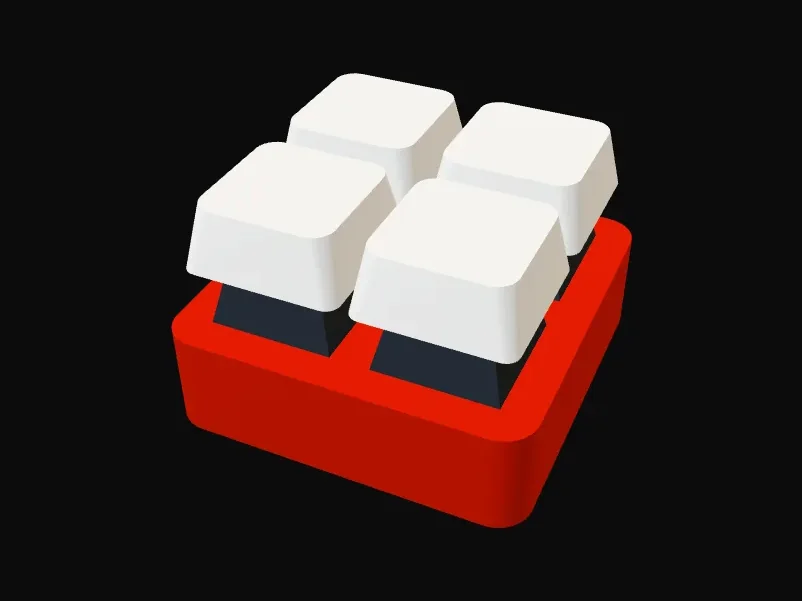
Four keys, rounded boxRed body, white caps, with a snap-in base. 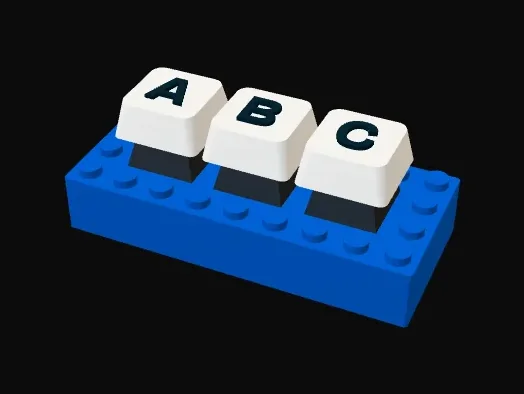
Three keys, brick bodyStuds on top and raised letters on the caps. 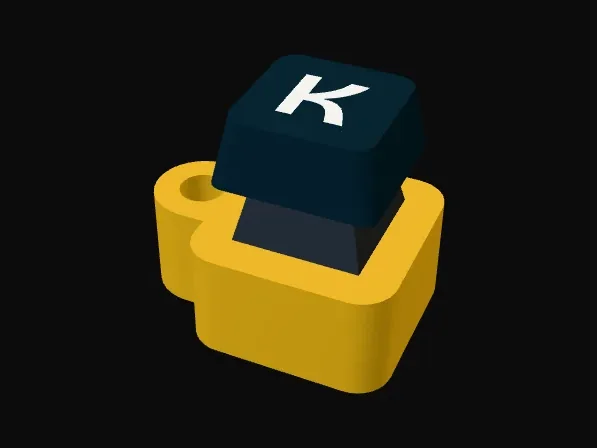
Key ringOne key on a tab with a hole.
The standard sizes it uses
- Switch holes 14.0 x 14.0 mm in a 1.5 mm plate: the switch clips are made to grip exactly 1.5 mm.
- Keys 19.05 mm apart, centre to centre, like a keyboard.
- At least 5.5 mm of room under the plate for the switch body; 8.3 mm or more also fits its metal pins.
- Keycap stem: a cross 4.0 mm long with 1.17 mm bars (plus the stem gap), in a 5.5 mm round stem, 3.6 mm deep.
- Keycaps 18 x 18 mm, sitting 1 mm above the switch.
Questions
Which switches do I need?
Any MX-style keyboard switches: the common kind with a cross-shaped stem, sold in packs online and made by many brands. Clicky ones (often blue) click loudest; tactile ones (brown) bump quietly; linear ones (red) are smooth.
What if the keycaps are too tight or too loose?
Print one test cap first. If it will not go on, make the stem gap in Fit bigger by 0.05 mm; if it falls off, make it smaller. The same goes for the base plate gap. Printers differ by a tenth of a millimetre or so.
Is it free? Do I need an account?
It is free and needs no account. Everything is made in your browser, so nothing is uploaded or sent anywhere.