Parts and print files from a set number
Type the number of any building set. You get every part in it, a print file for each part you can 3D print at home, and a shopping list for the rest. Free, no account.
Look up a set or a part
How it works
- Type the set number. It’s on the box and on the instructions.
- See what to print and what to buy. Plain bricks, plates and beams go on the print list. Clear, printed, rubber, electric and very thin parts go on the buy list.
- Download. Free print files for your 3D printer and a shopping list for the rest. Optional: the print-ready pack (plates and a printing guide), part of Brickalike Pro.
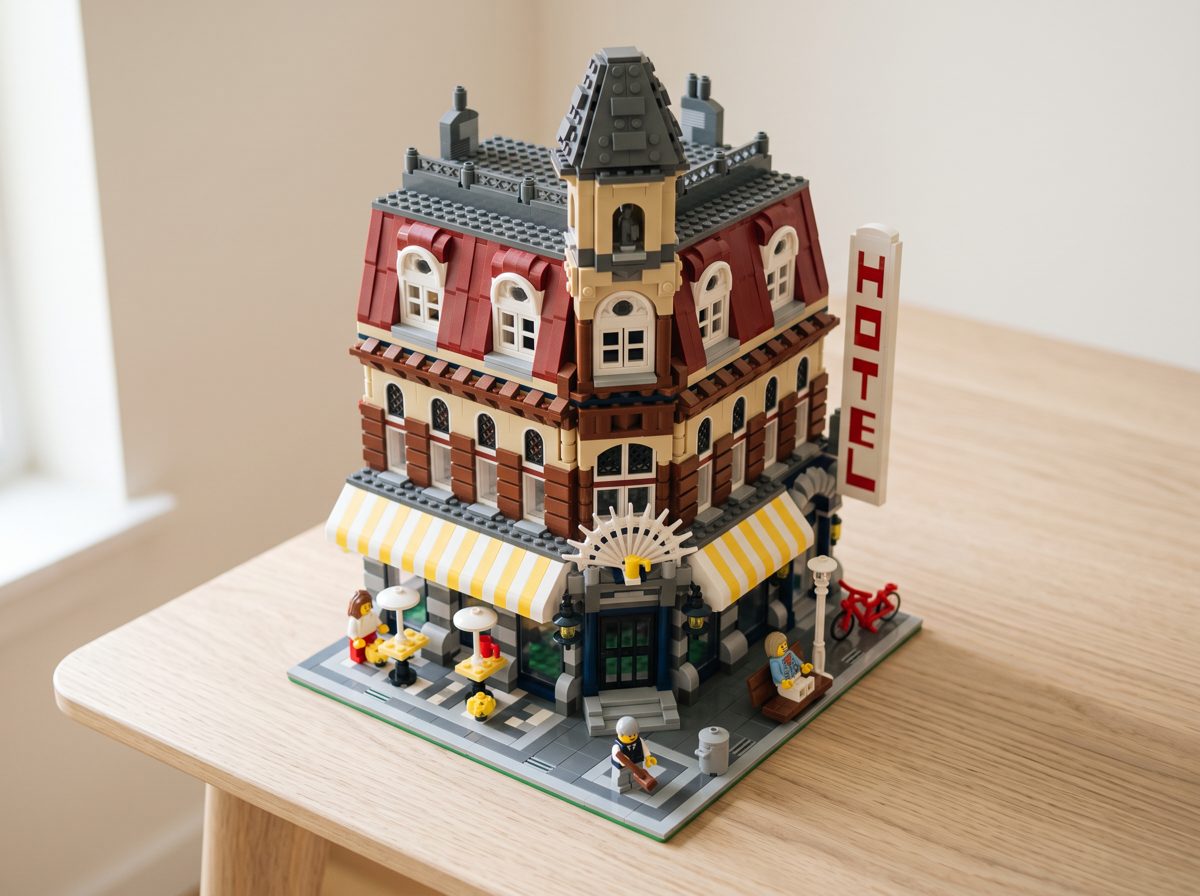
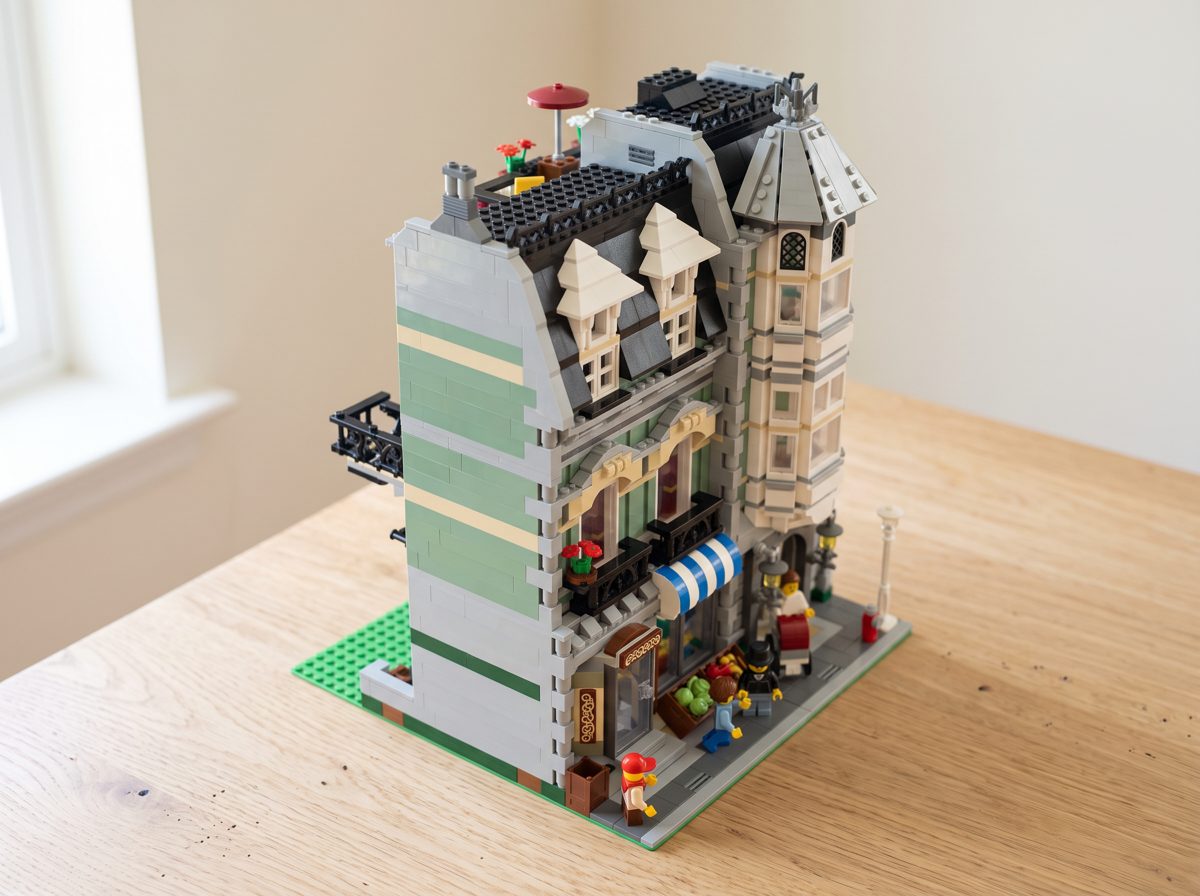
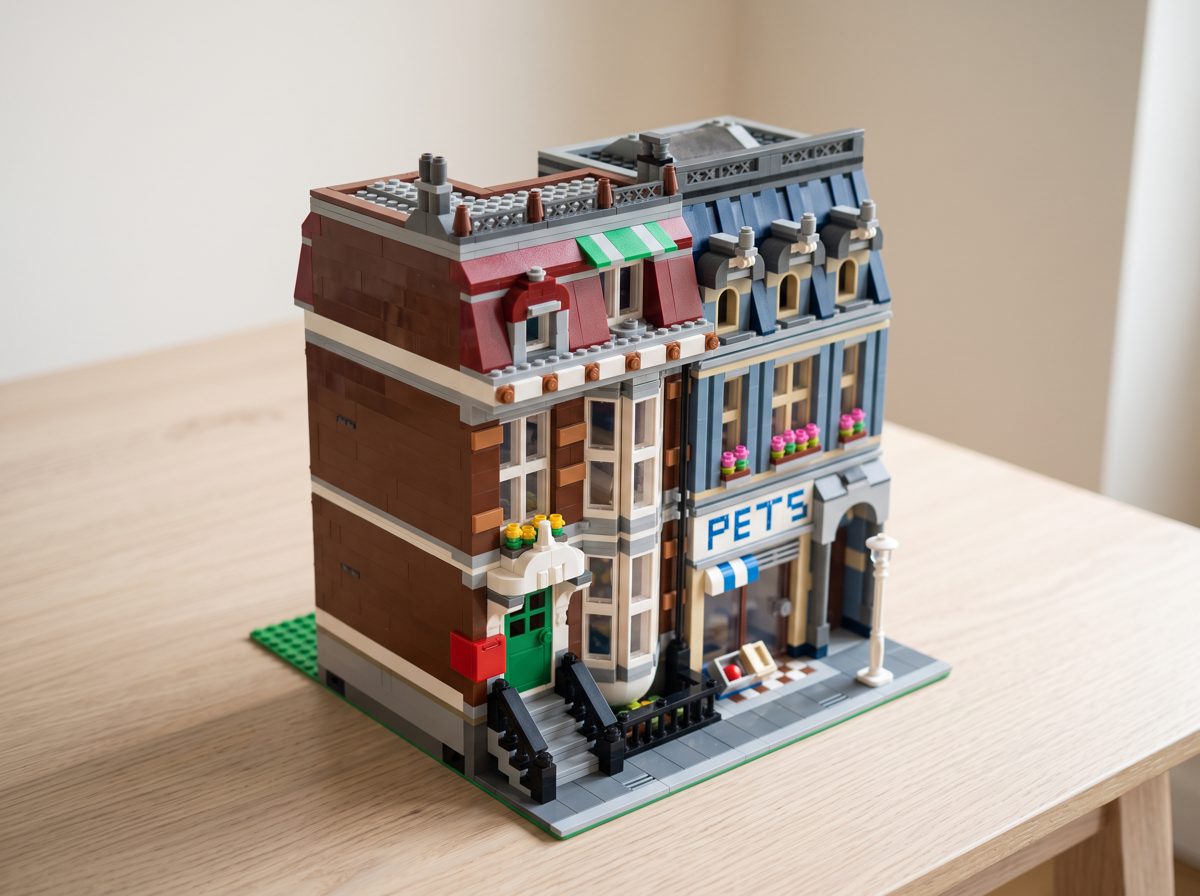
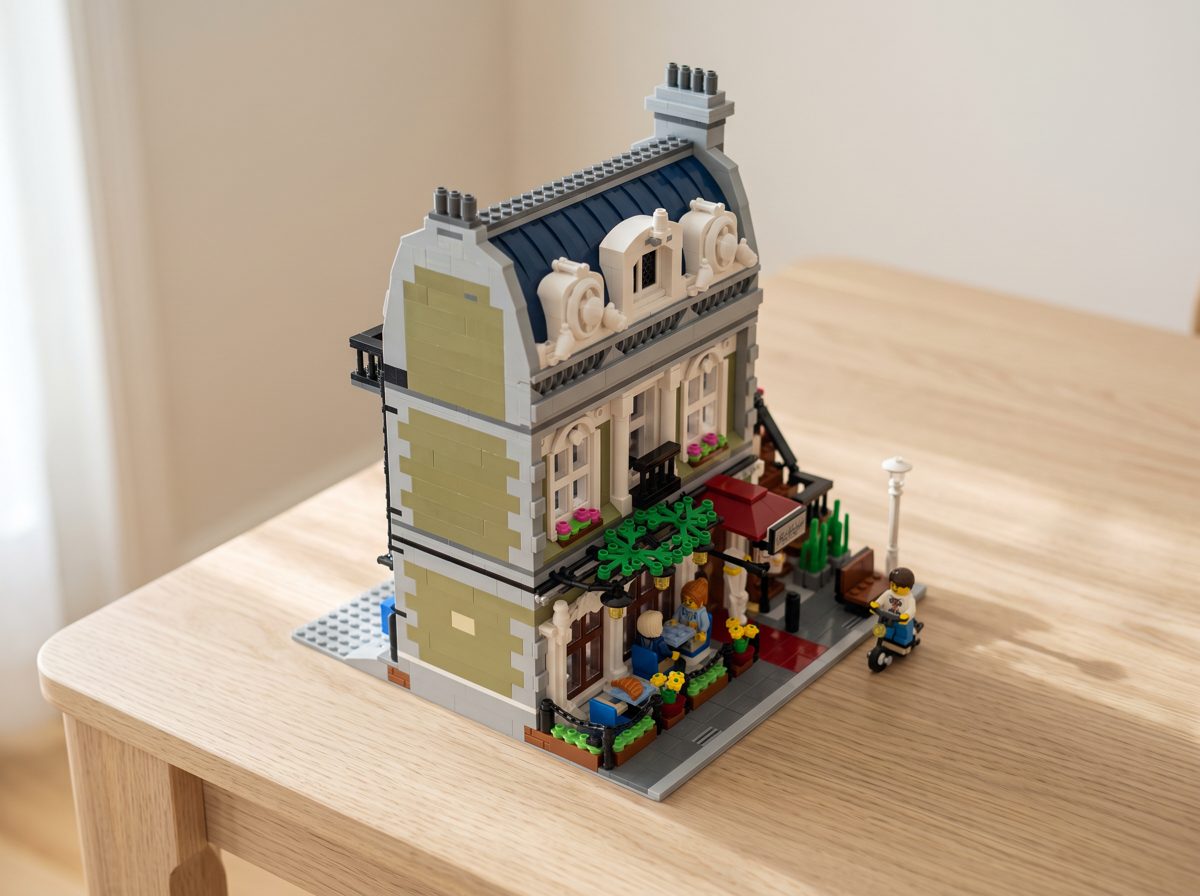
What a finished build can look like
AI illustrations of four sets, made from their parts lists. Examples of the idea, not photos of what your printed parts will look like.
What the words mean
- A part you can make on a home 3D printer.
- Buy
- A part that’s better bought: clear, printed, rubber, electric or very thin.
- Can’t convert
- We couldn’t make a print file for it, so buy it instead.
- Spares
- The extra small bits that come in the box. They’re left out of the shopping lists.
- STL
- The 3D print file for one part.
- 3MF plate
- A whole print bed laid out with parts, ready to print. Opens in Bambu Studio or OrcaSlicer. Part of the print-ready pack, in Pro.
- Slicer
- The app that gets a file ready for your 3D printer, like Bambu Studio, OrcaSlicer or Cura.
- CSV
- A spreadsheet file. Opens in Excel, Numbers or Google Sheets.
- Shopping list (BrickLink)
- A file you upload on BrickLink.com, a big online shop for single bricks (Want, then Upload). BrickLink then shows the shops that sell the parts. Each part to buy also has its own BrickLink link in the table.
How we decide what to print and what to buy
The first rule that matches a part decides. Anything not on the print list goes to the buy list, because buying a small part costs cents and a failed print costs hours.
Your own object in bricks
Scan something with your phone, or load a 3D file, and see it as a brick model with a parts list. The preview is free.
Make a brick modelPart shapes: LDraw Parts Library (CC BY 4.0). Built-model pictures: made from models in the LDraw Official Model Repository (CC BY 2.0), with each author named under the picture. Parts data: Rebrickable. Independent project, not sponsored, authorised or endorsed by any brick company.